
Lesson 03
Cloud Computing Fundamentals
Learn cloud computing fundamentals: history, terminology, virtualization, and hands-on basics of AWS VPC and EC2, Azure VM, and GCP.
Cloud Computing Fundamentals
What the cloud is, where it came from, the terms to know, and a first hands-on with a virtual machine in AWS, Azure and GCP.
What is cloud computing?
“There is no cloud, it’s just someone else’s computer.” The cloud is remote data centers. But a data center alone is not a cloud: it also needs the characteristics below (on-demand, elastic, measured).
Three stories
Instagram: from 0 to $1 billion
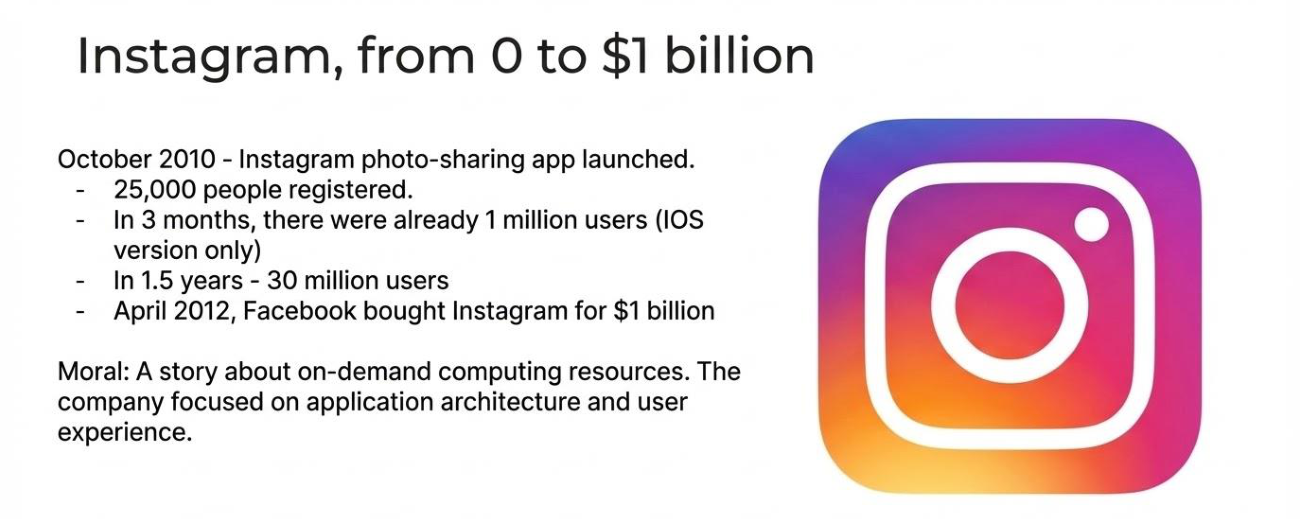
A startup can’t buy hardware for 30 million users, but it can rent it on demand. The team focused on application architecture and user experience instead of servers. That is why startups begin small in the cloud and scale up.
Netflix: from on-premise to the cloud
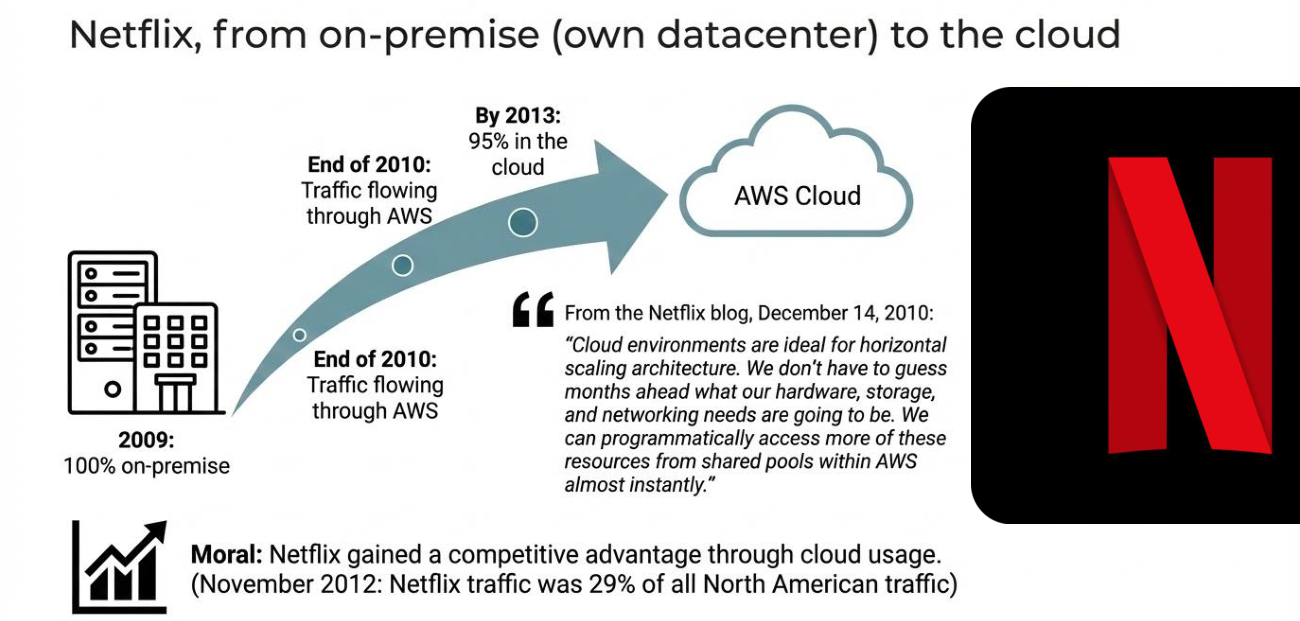
Netflix had its own data centers, started moving to AWS in 2009 and had 95% of traffic in the cloud by 2013. In November 2012 Netflix was 29% of all North American traffic. It gained a competitive advantage from the cloud.
Obama’s 2012 campaign
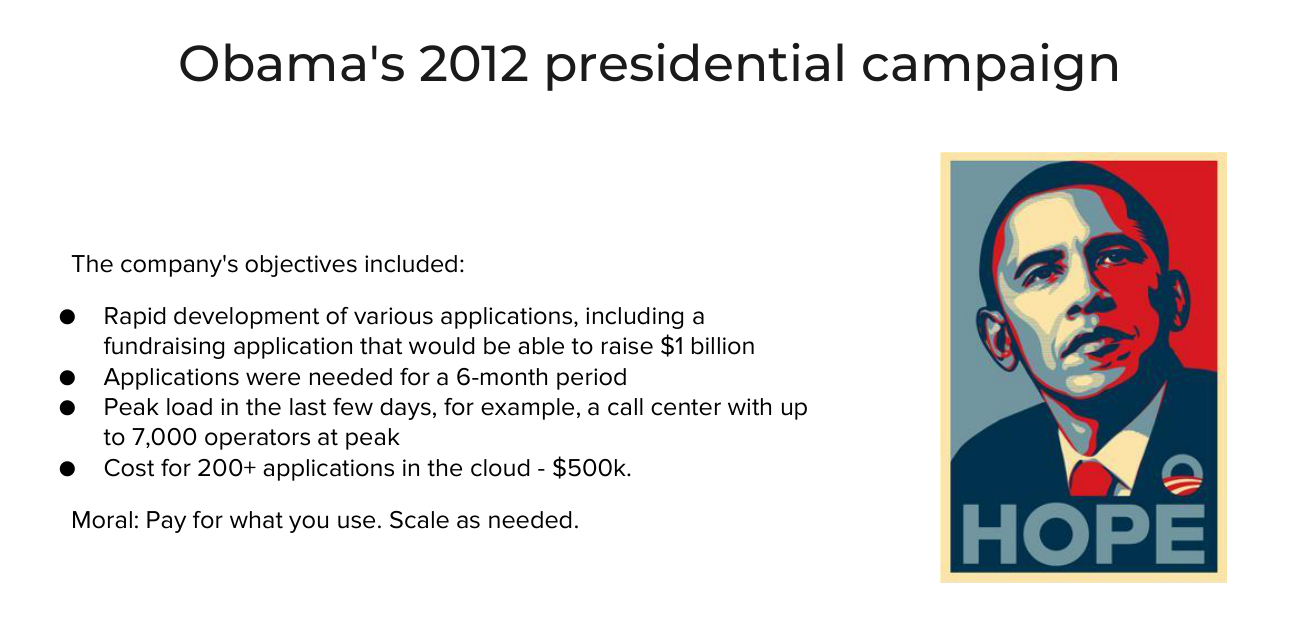
The campaign needed many apps for only 6 months, with a peak in the last days. Apps nobody uses cost nothing, and heavily used ones scale up.
Moral: pay for what you use, scale as needed. The same principles apply to analytics, data engineering, ML and AI, which is why building them in the cloud is the default.
Brief history
| Year | Event |
|---|---|
| 1961 | John McCarthy at MIT: computing may someday be organized as a public utility, like the telephone system. Each subscriber pays only for the capacity actually used |
| 1969 | Leonard Kleinrock (ARPANET): computer utilities will serve homes and offices, like electricity |
| mid-90s | Internet giants (Yahoo!, Google, Hotmail, Facebook, LinkedIn, YouTube and others) use the utility approach and help establish modern cloud computing |
| late 90s | Salesforce popularizes remote services for enterprises |
| 2002 | Amazon launches Amazon Web Services: remote storage, compute and business applications |
| 2006 | AWS launches EC2 (Elastic Compute Cloud) to rent computing power. Google Apps releases browser-based business applications |
Think of electricity or water: you pay for what you use. The cloud sells computing the same way.
Cloud terminology
How the analysts define it:
- Gartner: a style of computing where massively scalable and elastic IT capabilities are delivered as a service to external customers using internet technologies.
- Forrester: a standardized IT capability (service, software or infrastructure) delivered via internet technologies, pay-per-use and self-service.
- NIST (published 2009, extended 2011): a model for on-demand network access to a shared pool of configurable resources (networks, servers, storage, applications, services) that can be rapidly provisioned and released with minimal management effort. Five essential characteristics, three service models, four deployment models.
In short: cloud computing is a specialized form of distributed computing that introduces utilization models for remotely provisioning scalable and measured resources.
Gartner Magic Quadrants and Forrester Waves are yearly vendor comparisons for BI, data management and other tools. Executives often just pick a leader.
| Term | Meaning |
|---|---|
| Cloud | A scalable remote IT environment |
| IT resource | A physical or virtual object |
| On-premise | In the organization’s own data center, the opposite of cloud-based |
| Cloud consumer | The user of cloud resources (a company) |
| Cloud provider | The vendor of cloud resources |
| Scaling | Ability of a resource to scale horizontally or vertically |
| Cloud service | A resource accessible remotely through the cloud |
Cloud characteristics
| Characteristic | Meaning |
|---|---|
| On-demand usage | Users create resources themselves and can automate it. You pay for what you use |
| Ubiquitous access | Broad access to the service |
| Multitenancy and resource pooling | Isolated instances for each consumer on shared resources. Example: Spot Instances in AWS EMR, a way to cut costs |
| Elasticity | Automatic scaling with load |
| Measured usage | Usage is tracked and billed. Every cloud has a billing dashboard |
| Resiliency | Fault tolerance and redundancy: if one resource fails, another replaces it |
The most important for you: on-demand usage, elasticity and measured usage.
Business drivers
- Capacity planning: planning the IT resources needed in the future. Bad planning means over-provisioning (too much) or under-provisioning (too little). Strategies: lead (add capacity in advance), lag (add when current capacity is exhausted), match (add in small increments). Mistakes cost money, customers and reputation.
- Cost reduction: it is hard to link IT cost to business results. Cost means creating and maintaining infrastructure. In the cloud you don’t pay for what you don’t use. But if it isn’t managed, you can pay a lot: some companies even move back on-premise to cut costs, so track usage and optimize constantly.
- Organizational agility: how fast you adapt to change. Example from the lesson: when COVID-19 closed stores and everyone shopped online, the Canadian Tire website went down because nobody had planned for that load.
Risks and challenges
- More security “holes” when someone else runs the infrastructure
- Less control
- Hard to use multi-cloud and other vendors
- Privacy and compliance: GDPR, HIPAA, PCI
- Legislation and geography
For data roles this matters: interviews often ask whether you worked with PII and compliance.
Technology innovations behind the cloud
- Clustering: independent IT resources connected by a network that work as a single system. Gives redundancy and failover.
- Grid computing: a “virtual supercomputer” of loosely coupled, different computers. Less relevant for data work.
- Virtualization: computing resources abstracted from the hardware, with logical isolation between processes on one physical resource. The most important one.
Virtualization
One physical machine runs several isolated guest operating systems, and each gets its own logical CPU, RAM and storage from a common pool. The hypervisor on the host manages this. This is how data centers moved from physical servers to a cloud: one huge server runs hundreds of virtual machines.
How the internet and data centers work
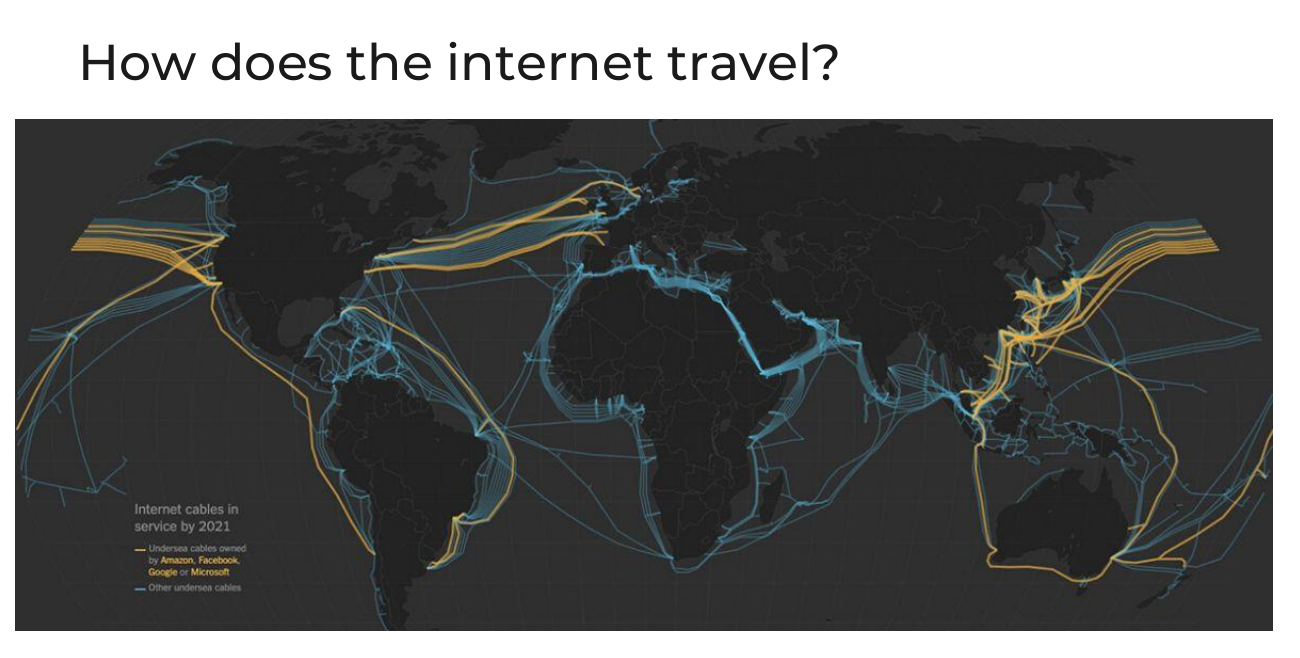
- Broadband networks: the cloud must be connected. Internet service providers connect the world through routers, with cables on the ocean floor. Amazon, Facebook, Google and Microsoft own some of them.
- Hardware: commodity servers for computing, specialized storage systems with a huge number of disks, and network hardware: external interconnection, web-tier load balancing, LAN fabric, SAN fabric, NAS gateways.
- Web technology: you manage the cloud from a browser (URL, HTTP, HTML, XML).
- Service technology: the core is “as-a-service”: web services, REST services, service agents.
Good to know, but you won’t work with this directly.
Hands-on
- Create a free account in AWS, Azure or Google Cloud. All have a free tier and trial credits ($200 on Azure, $300 on Google Cloud), enough for pet projects. A valid Visa or Mastercard is required, even if nothing is charged.
- Pick one cloud. Print about 20 job descriptions in your target market and learn the services they name. AWS leads in North America, Europe and Asia-Pacific, GCP is common in Eastern Europe and startups (BigQuery, Looker), Azure in big enterprises, fintech, government and healthcare. If unsure, master AWS: switching later is easy.
- AWS: look at your default VPC (a private network with a CIDR range, public and private subnets, a route table and an internet gateway), then launch a small EC2 instance (Amazon Linux, nano size) with a key pair and connect to it over SSH (port 22) from the terminal.
- Azure: create a virtual machine inside a resource group and connect with RDP (port 3389).
- GCP: a project holds the services. A Compute Engine VM needs billing enabled.
- Delete the VM when you finish and check the billing dashboard. A stopped VM costs nothing for compute.
A key pair is a public key (stored in the cloud) and a private key (you download it once and never share it). Service users in tools like Snowflake and Databricks use key pairs too.
Next steps
Do the exercise with the cloud you picked: create a free account, look at the network and billing, launch a small VM, connect to it, and delete it. For depth, start with the AWS Solutions Architect track, then the data specialization.
This lesson is for members only
Join Surfalytics to unlock all 7 lessons in this module, plus every module, project, mock interview, and the private community.
7-day free trial · Cancel any time